
Podcast Transcription
Podcast Transcription is a service that lets you quickly get a transcription of your own or someone else’s podcast. It works in 50 languages!
Transcription of your own podcast
- Click Choose file and upload a file from your computer, or drag and drop a file from Explorer/Finder.
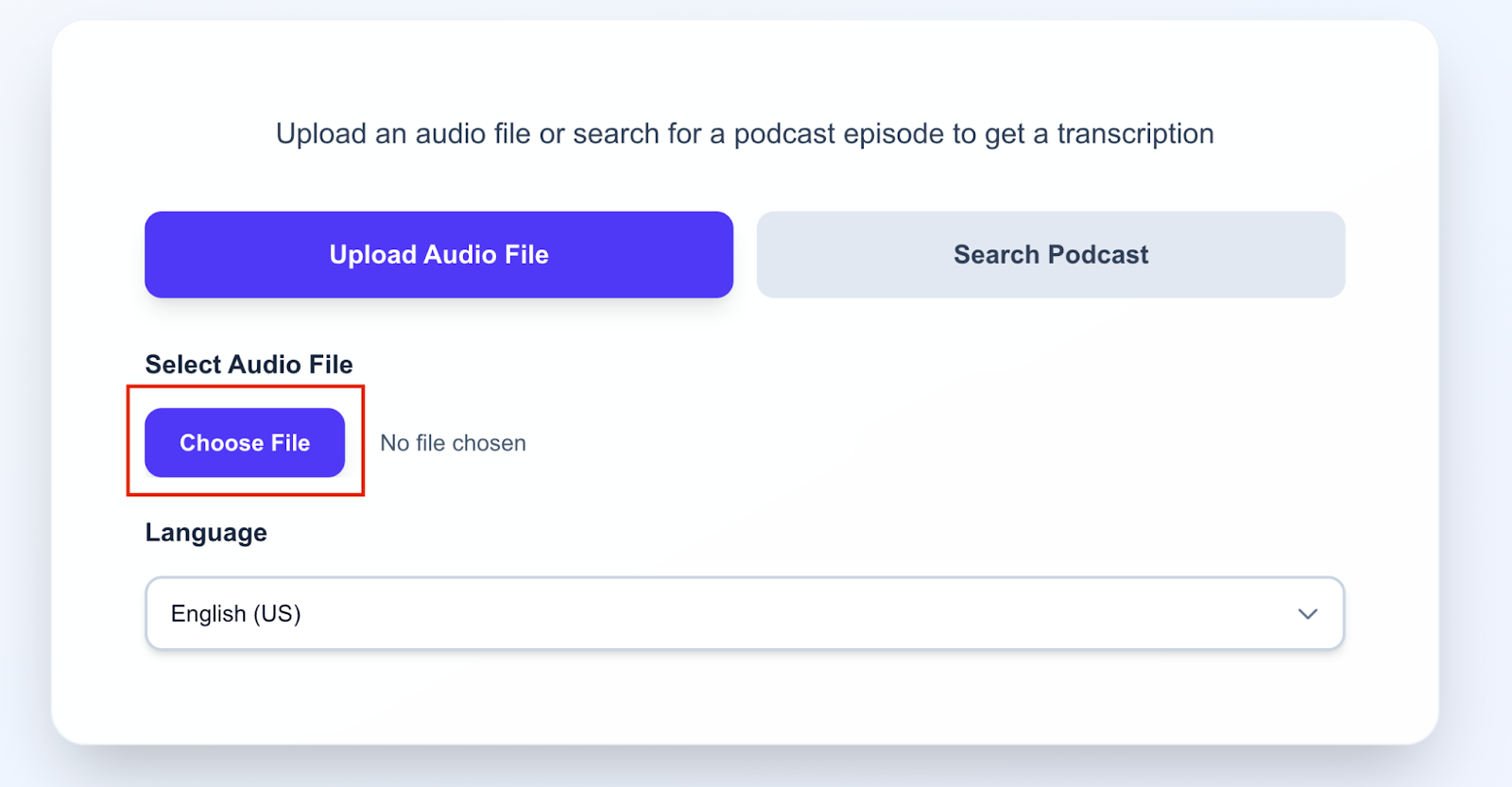
After that, you will see the uploaded audio file:
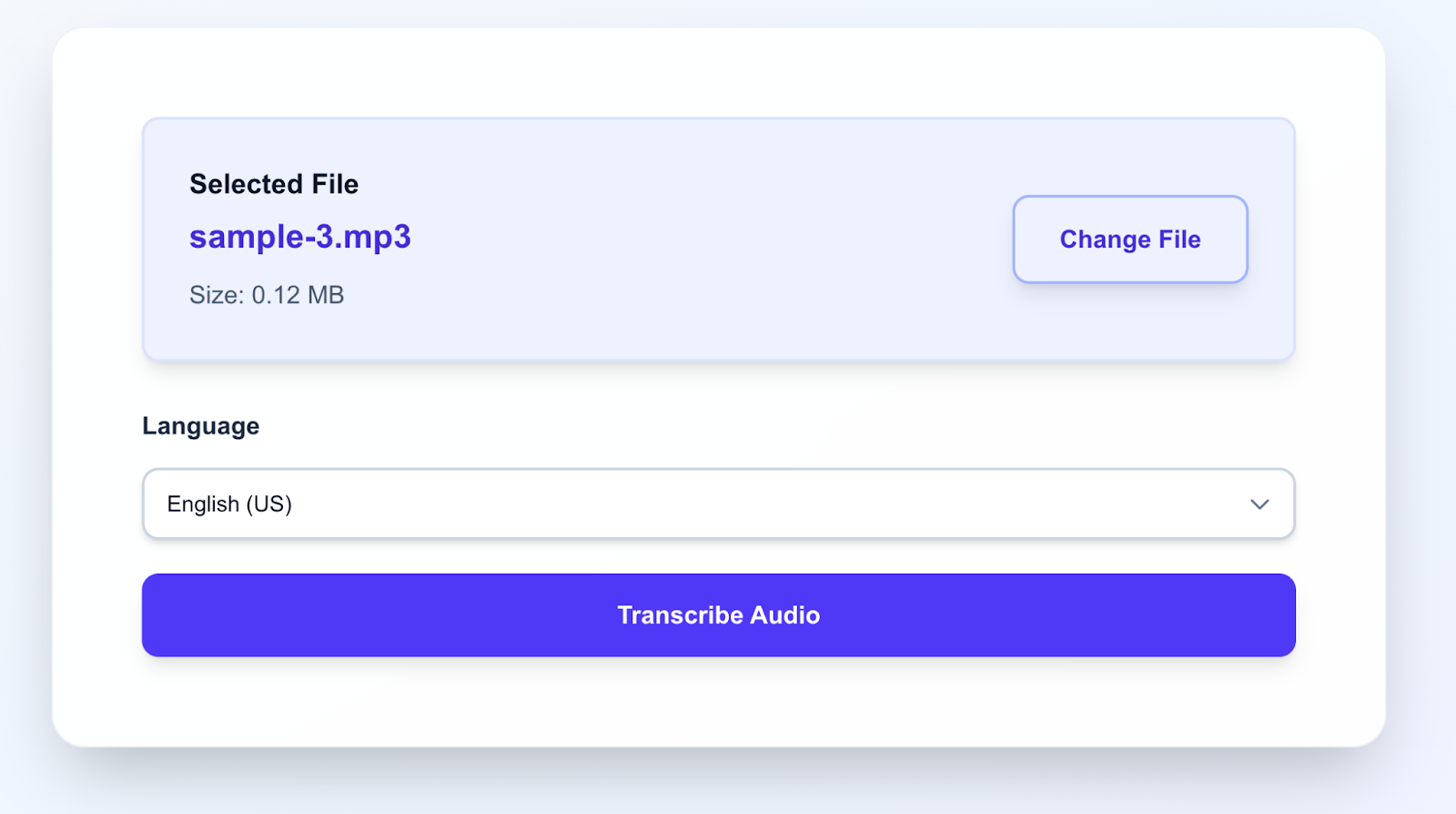
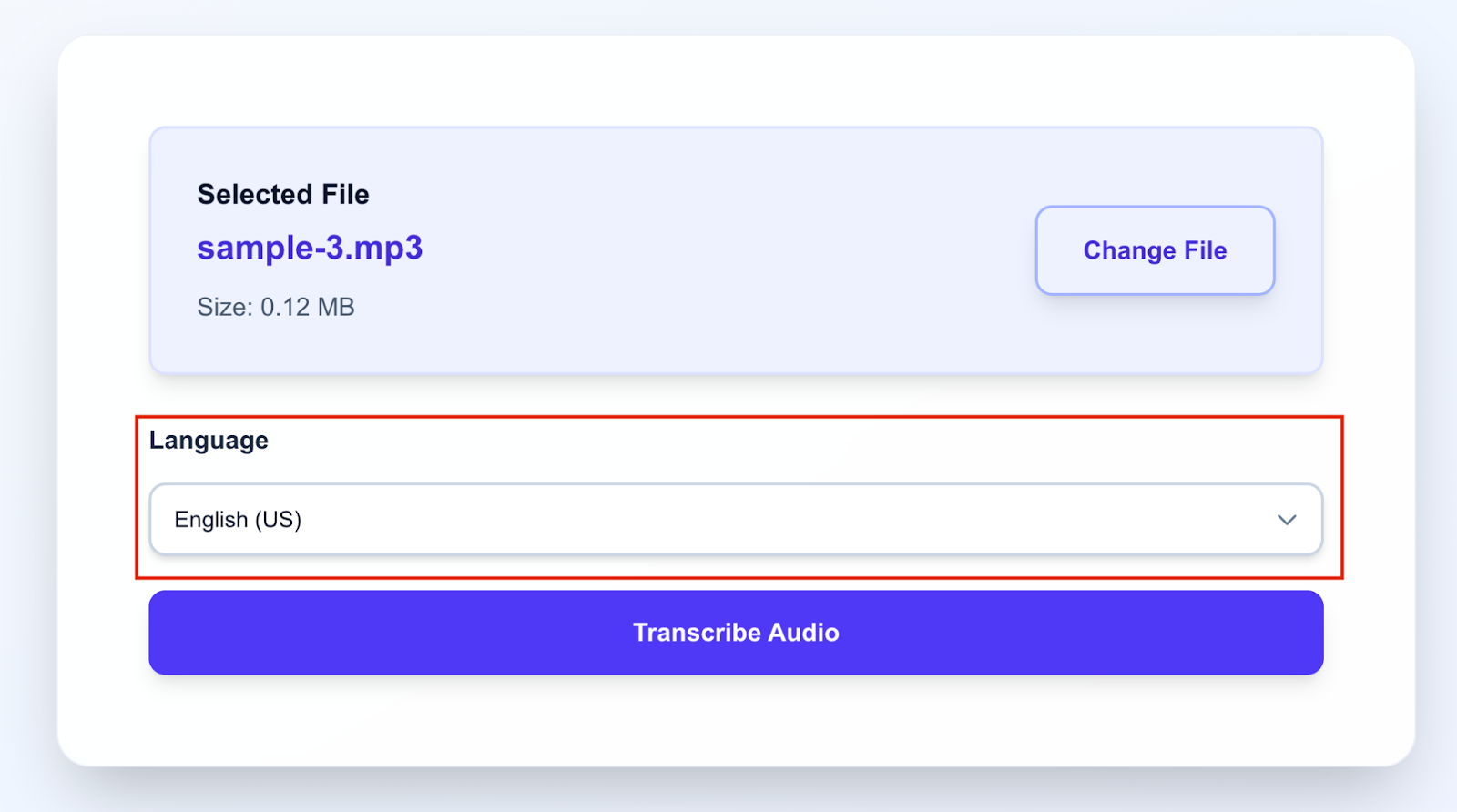
2. Select the language of the audio file or keep the default language (English).
3. Click the Transcribe Audio button.
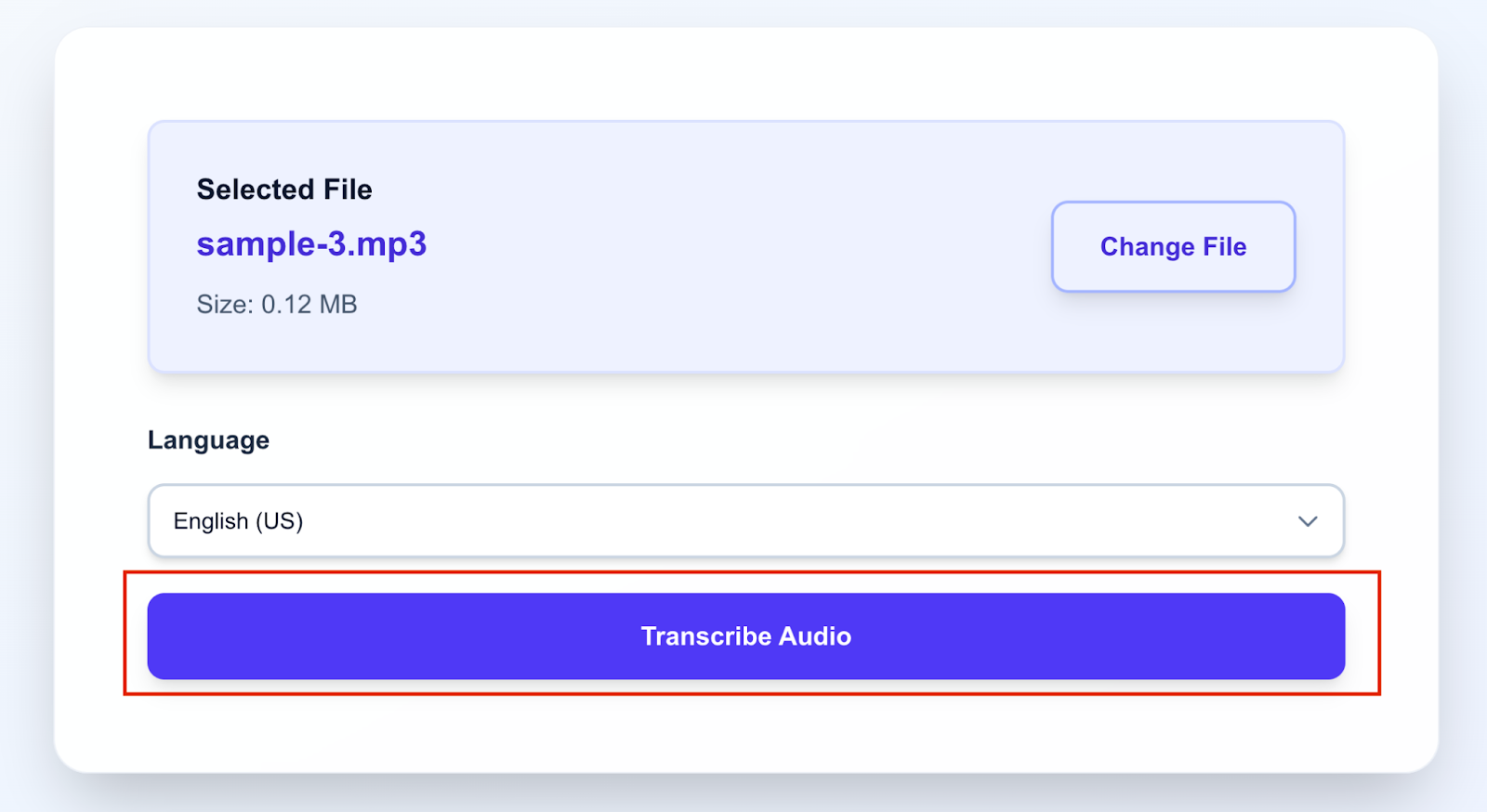
After that, audio transcription will start. You will see a progress bar and elapsed time.
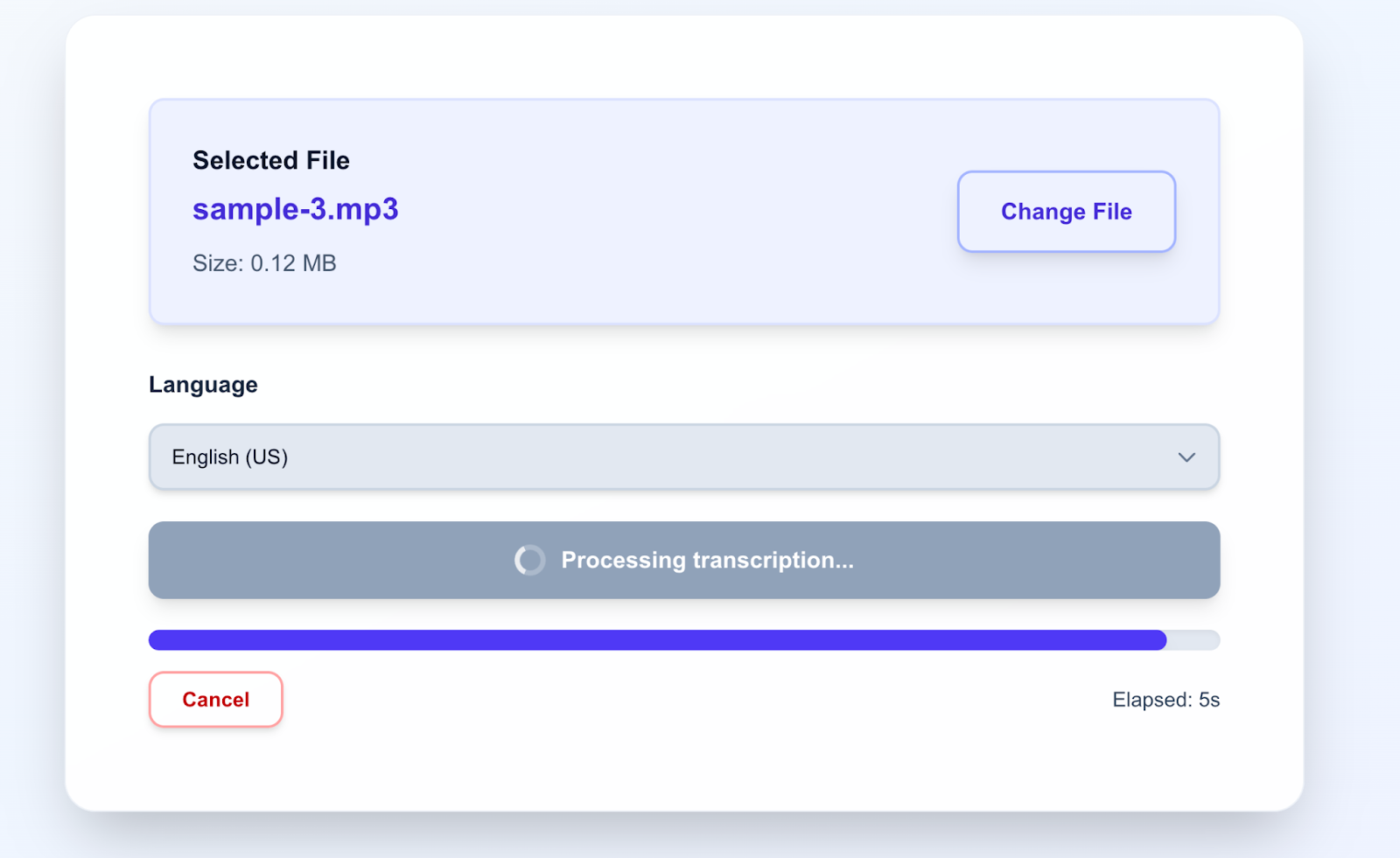
After the transcription is finished, you will see the transcription result:
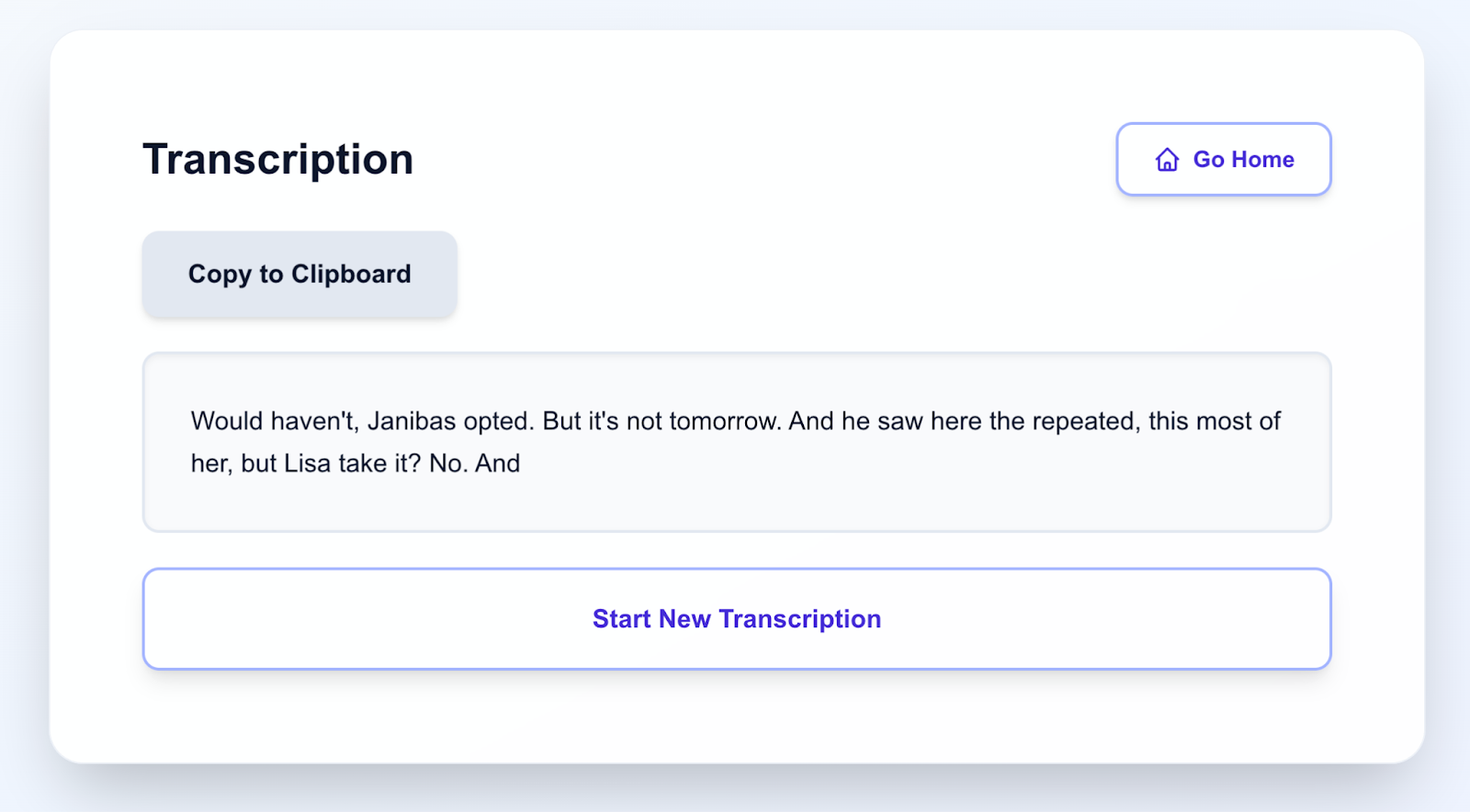
Here you can copy the text by clicking Copy to Clipboard or start a new transcription by clicking Start New Transcription.
Go to the Podcast Transcriber service.
Please note that your plan includes the ability to transcribe up to 3 audio files, each up to 10 minutes long.
Transcription of someone else’s podcast
- Go to the “Search Podcast” tab.
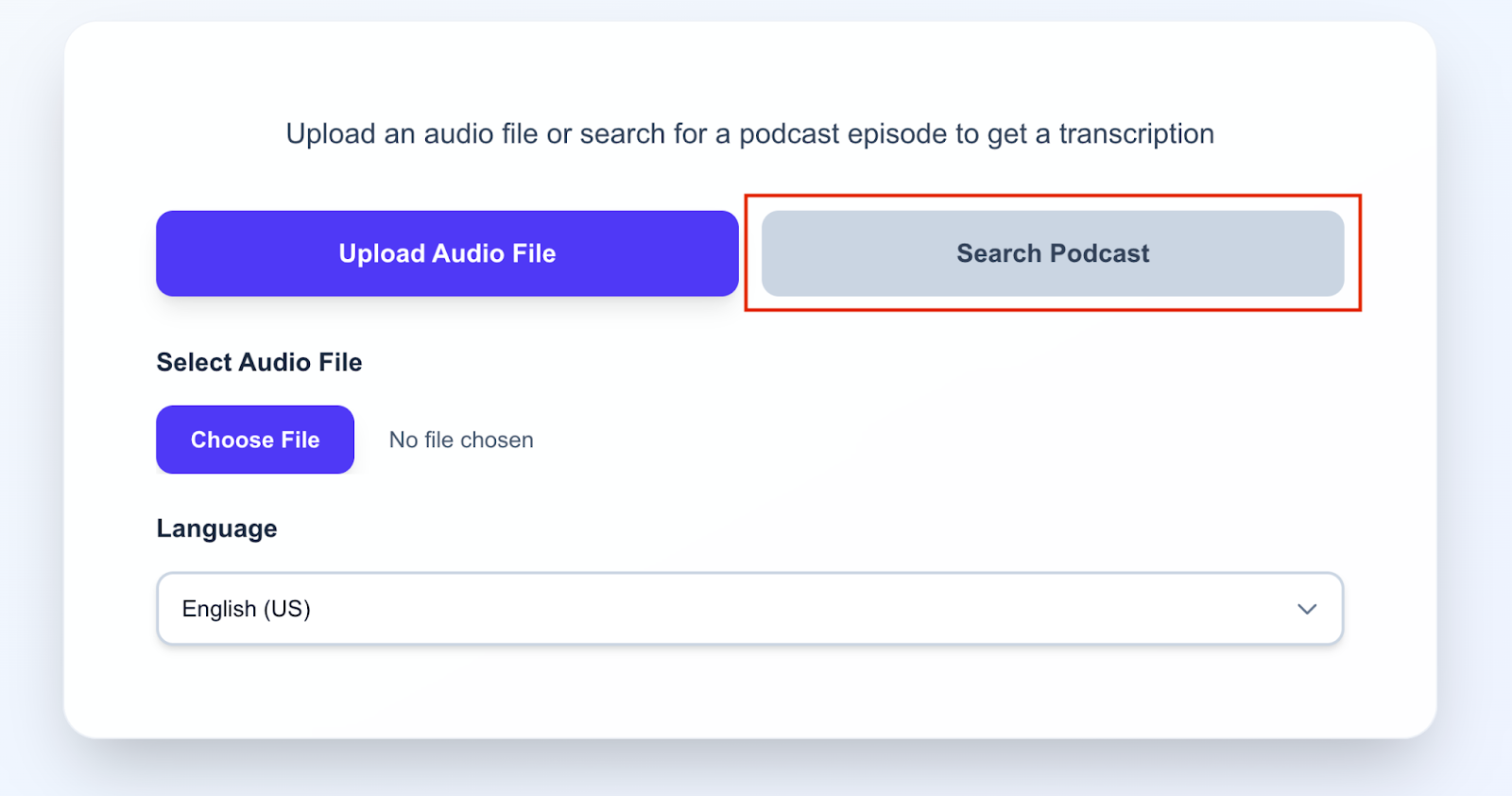
The app interface will change:
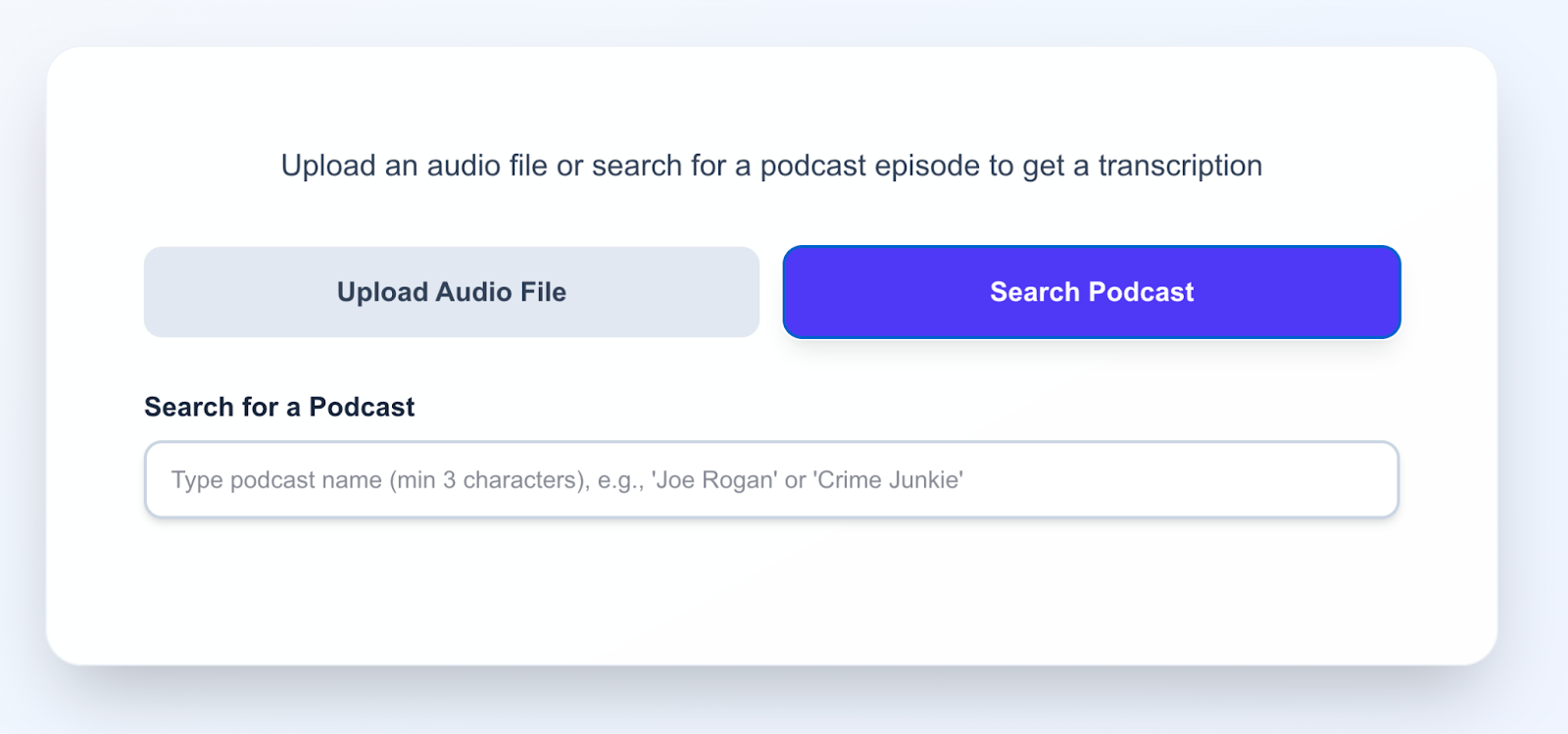
2. Start typing the podcast name in the Search for a podcast field, for example, “iata”.
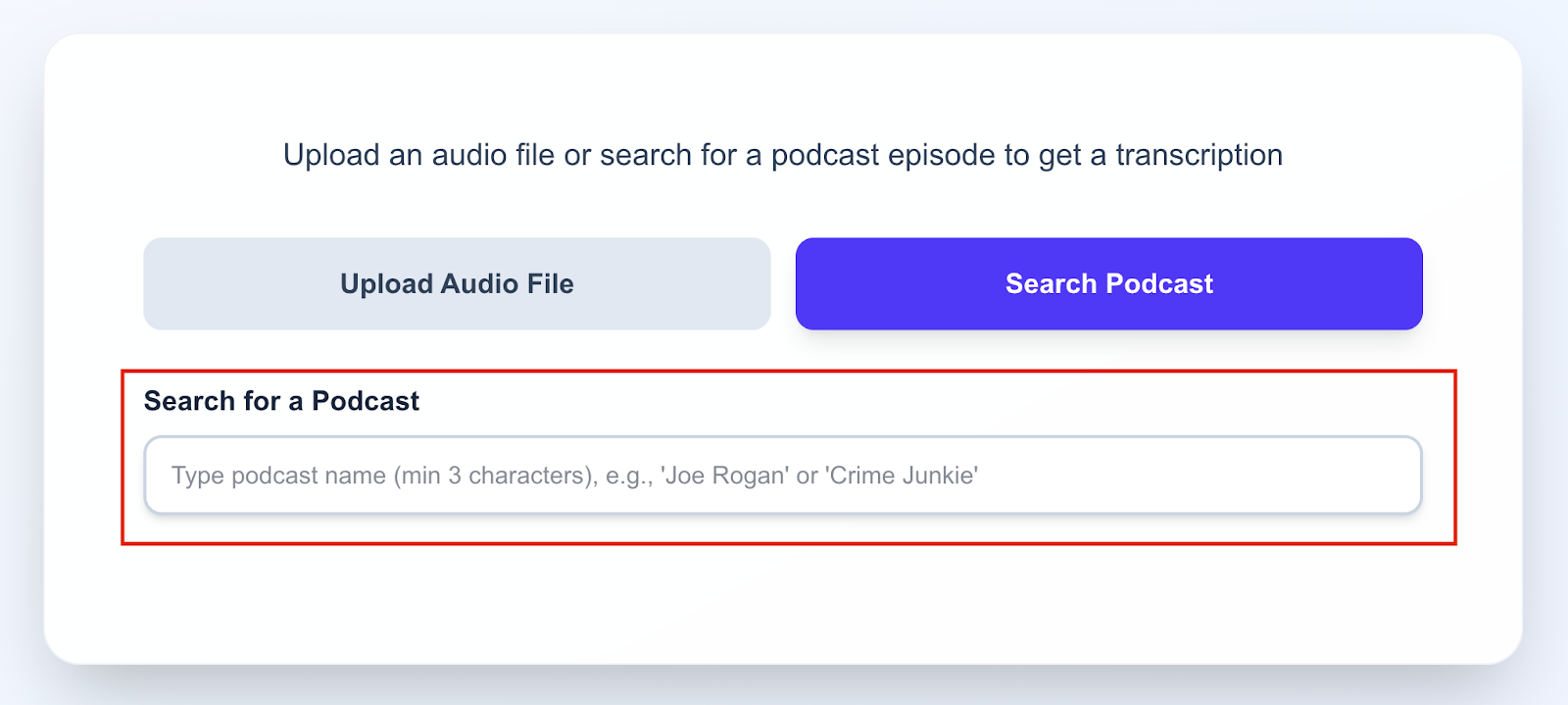
After entering more than 2 characters, you will see search results. You can scroll through them using standard scrolling.
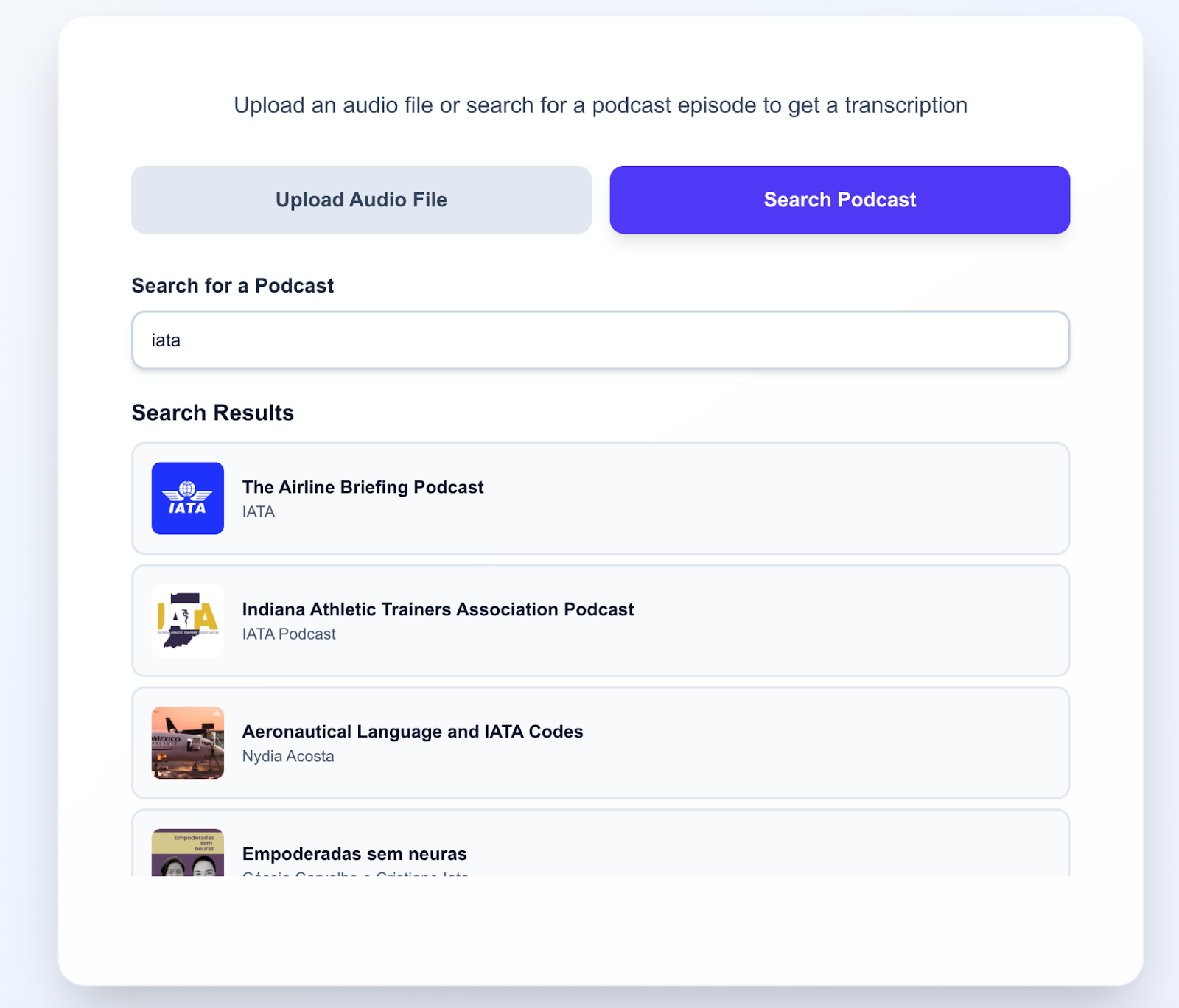
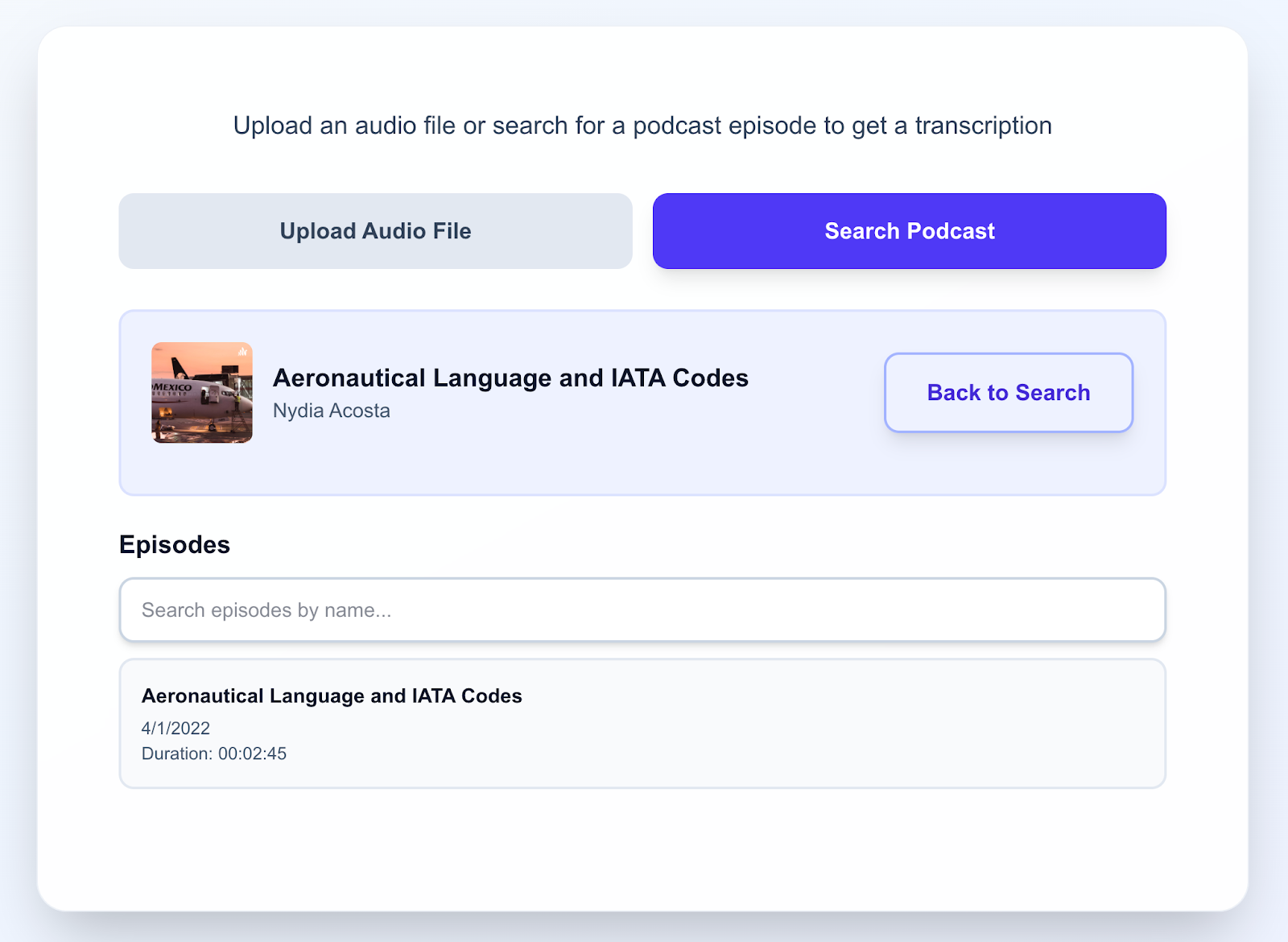
Select the podcast you are interested in. Click on it, for example, Aeronautical Language and IATA Codes. You will be taken to the podcast page.
3. On the podcast page, select the episode you are interested in. For example, the very first one.
You can also use episode search by entering keywords in the Search episodes by name field.
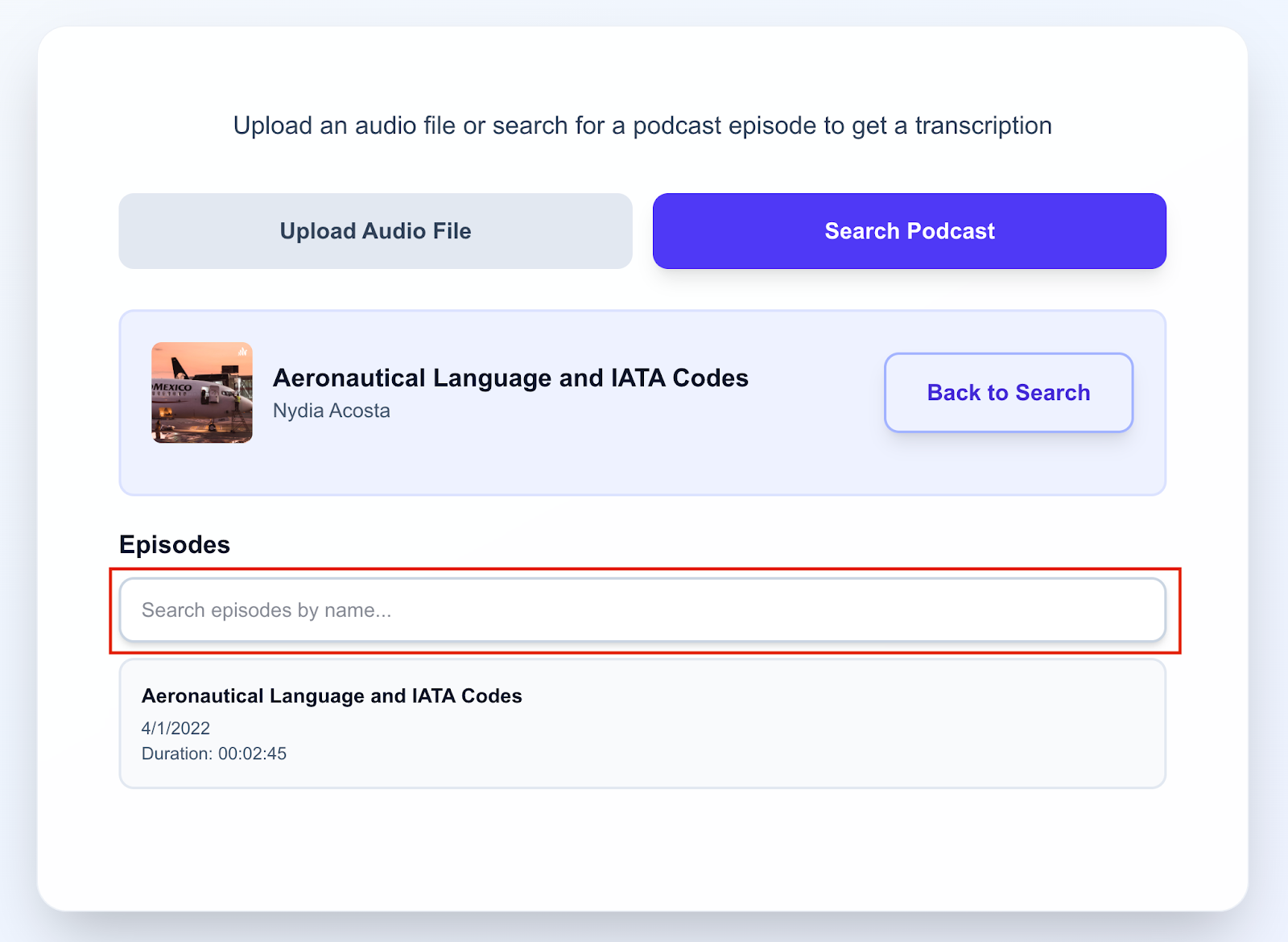
Click on the episode you are interested in. You will be taken to the episode page.
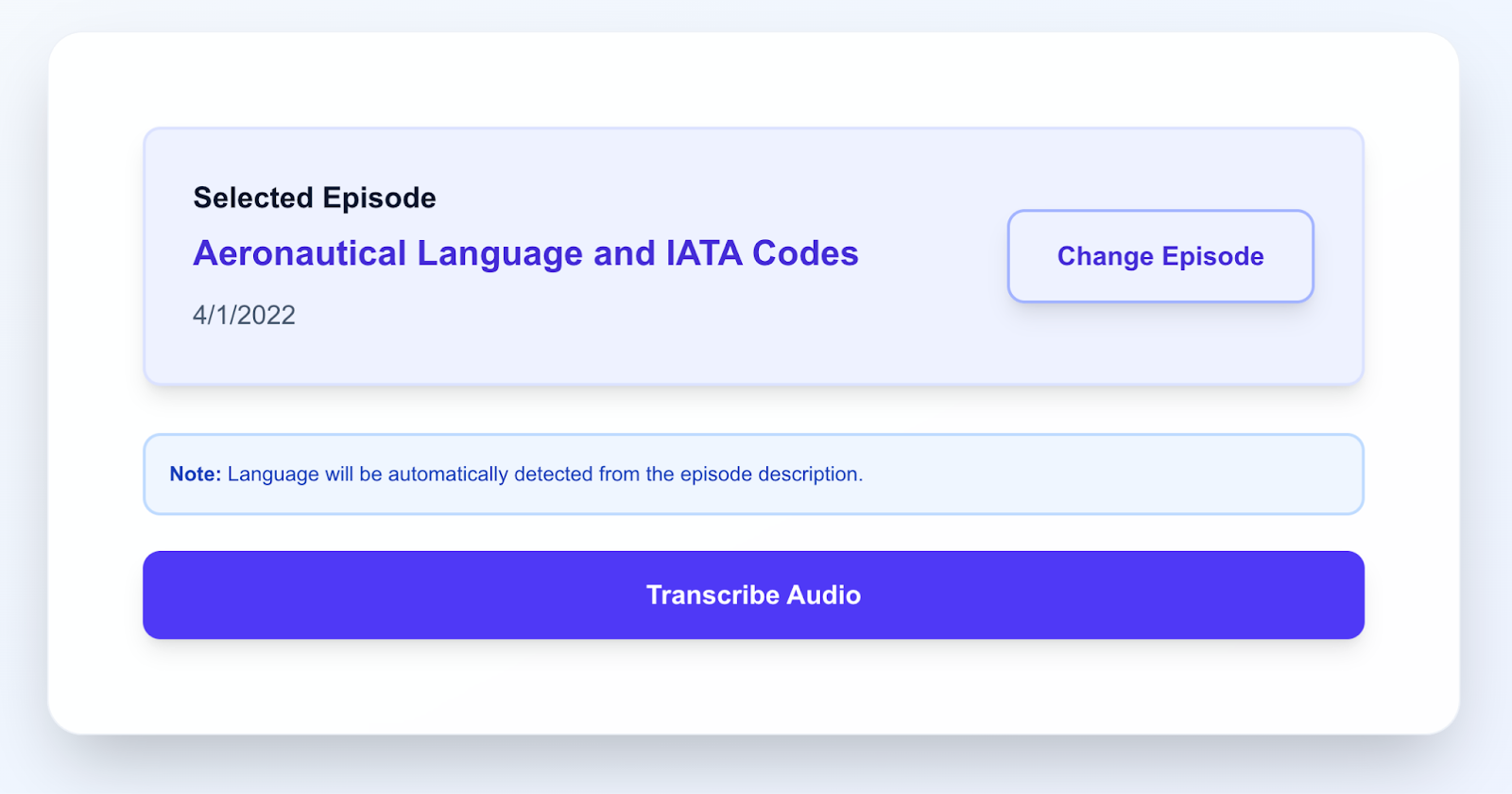
If needed, you can change the selected episode by clicking the Change Episode button.
4. If you are sure you selected the correct episode, click the Transcribe Audio button.
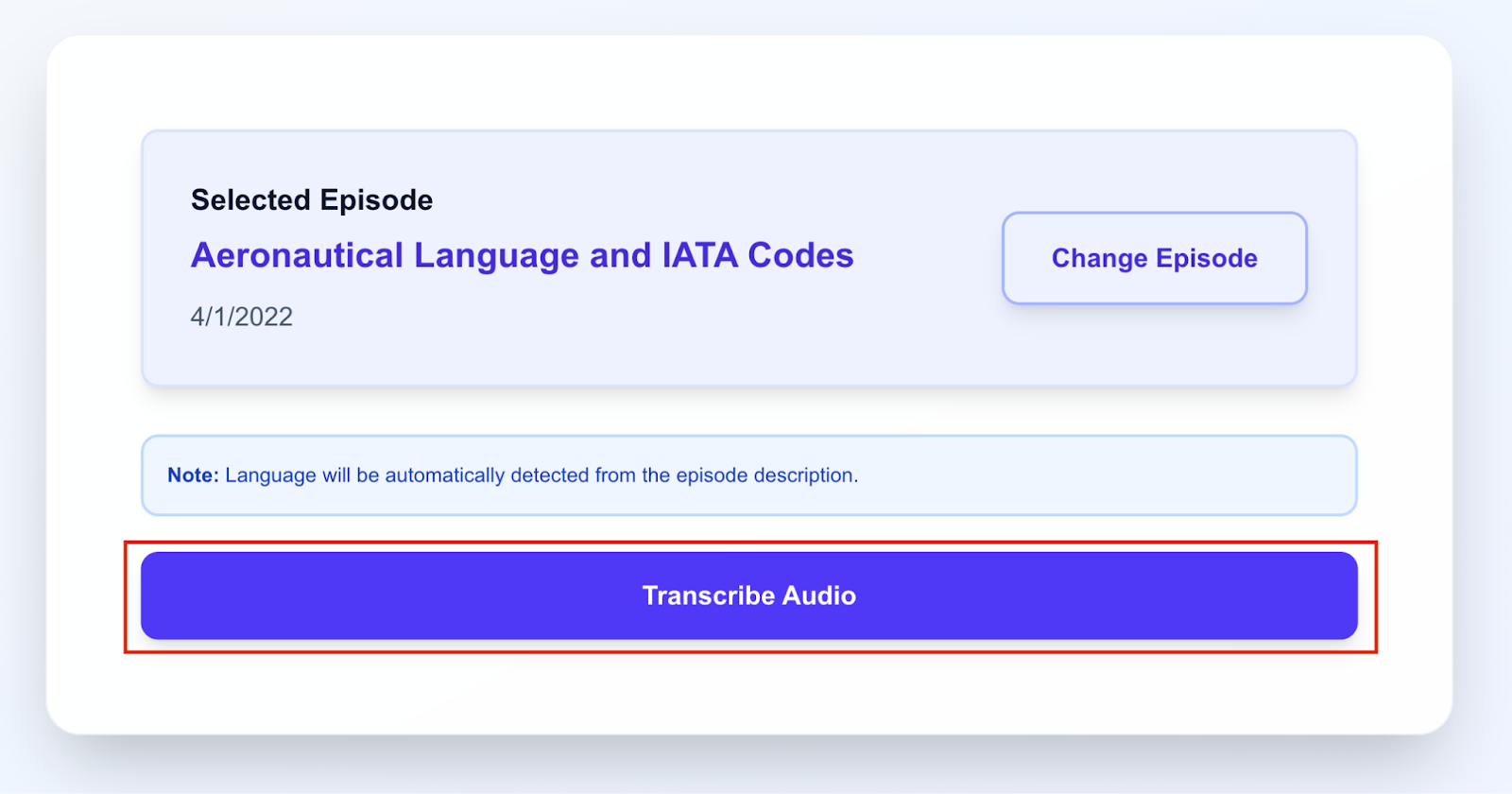
An indicator will appear at the bottom with information about how much time is needed to transcribe the entire episode.
After the transcription is finished, you will see the text version of this episode:
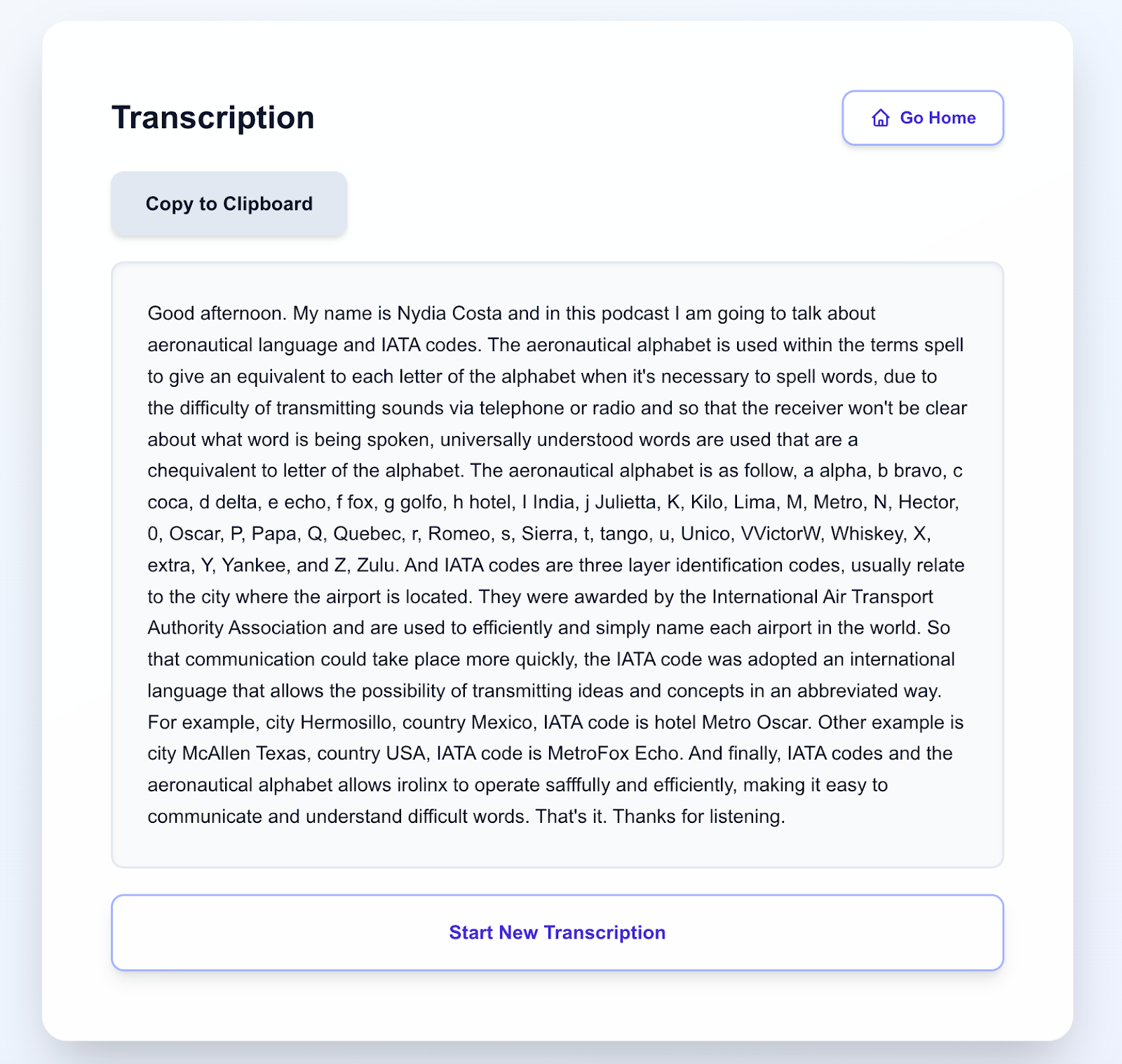
You can copy the entire episode text by clicking Copy to Clipboard, or return to the main podcast search menu by clicking Start New Transciption.
Go to the Podcast Transcriber service.
Please note: your plan includes the ability to transcribe 1 podcast episode up to 20 minutes long.